Notes·using the mark
Why the in270 Mark Chokes Vinyl Cutters (And the File That Fixes It)
The in270 mark carries far more anchor points than a typical logo because it's traced from real OpenStreetMap road data, which means low-quality files choke vinyl cutters on curves like the Grove City hook. This post explains how to pull the correct cutter-ready SVG from the download kit, why the minimum size rule matters even more for cutting than screen display, and why shop owners inside the loop can skip the file question entirely with the free window cling program.
Why does my vinyl cutter keep jamming on this logo?
Because it isn't a logo in the usual sense. The in270 mark is the actual I-270 outerbelt, traced from OpenStreetMap road data, and that means it carries way more anchor points and curve detail than a typical shop sign or wordmark. A cutter blade that handles a simple circle-and-text logo without complaint will hang up on the tight geometry around the Grove City hook or stutter through the east bulge toward the airport. That's not a machine problem. That's a file problem, and it's almost always the same one: someone fed the cutter a raster image or a bad vector trace instead of the real SVG.
If you've watched a plotter chew through a sheet of vinyl and choke halfway around a curve that looks, on screen, like it should be simple, this is why.
Why this file is different from other logos
Most logos are drawn by a designer with a pen tool, which means the curves are built from as few points as the shape allows. The in270 mark is drawn by the road. Every bend, every straightaway, every place the loop tightens up or flattens out is a bend or straightaway on the real 270, pulled from map data under the Open Database License. Nobody simplified it into something friendlier to a blade. That's the whole point of the mark. But it does mean the file has more going on than a cutter expects, and low-quality inputs make it worse.
What actually breaks: raster exports and bad traces
Here's where shops get into trouble. Someone grabs a screenshot of the mark off a website, or exports it as a PDF from a document where it was placed as an image, or takes a PNG and runs it through auto-trace software to turn it back into vector shapes. Every one of those steps either rasterizes fine curve data into pixels or reconstructs the path with a trace algorithm that adds its own anchor points, in its own places, guessing at curves instead of using the real ones. The result looks fine at a glance and then jams your cutter or, worse, cuts a version of the loop that's subtly wrong. Rounded where it should be sharp. Smoothed where the Grove City hook should hook.
The fix: pull the SVG from the kit, not from anywhere else
The download kit at /mark has the cutter-ready file already. It's native vector, sized anywhere from 32 to 2048 pixels depending on what the job needs, in color or mono. There's no export step for you to mess up, because the SVG in the kit is the source file, not a copy of a copy. If you're a sign shop working from a customer-supplied file, ask the customer to pull it from the kit directly rather than sending you whatever's already on their laptop. Nine times out of ten, the file causing trouble started as a screenshot three steps back.
The small-size rule matters more on a blade than on a screen
The guidelines set a minimum size for the mark, and it's easy to assume that's a display rule, something about how the mark looks on a phone screen or a business card. It's not just that. Below a certain size, the road detail, the Sawmill curve, the split downtown, the weave around Easton, turns to mud. A monitor can't resolve it and neither can a cutter blade. If anything, vinyl is less forgiving: a screen can fake clarity with anti-aliasing, but a blade either tracks the path or it doesn't. Cutting the mark smaller than the guidelines allow doesn't just look bad, it produces a cut path the machine can't actually follow cleanly. Check the size rule at /guidelines before you commit a sheet of vinyl to something too small.
Don't simplify the path, even if your software offers to
Most vector editors and cutter software have a "clean up path" or "reduce nodes" function, and it's tempting to run the in270 file through it if you're seeing performance issues. Don't. That function works by deleting anchor points and approximating the curve with fewer of them, which is exactly the smoothing the geometry rule forbids. The east bulge, the flat north side, the Grove City hook: those aren't stylistic flourishes you can round off without anyone noticing. They're the actual shape of the actual road. Recoloring the mark or scaling it up or down is fine. Running it through a node-reduction tool is not, and it's the one hard rule that carries over from the guidelines into an actual production step you're doing at the cutter.
If your cutter is struggling with a well-sourced kit SVG at a reasonable size, the fix is almost always a machine setting, blade pressure or cut speed, not the file. Trace-and-retrace troubleshooting usually makes it worse.
Skip the file question entirely
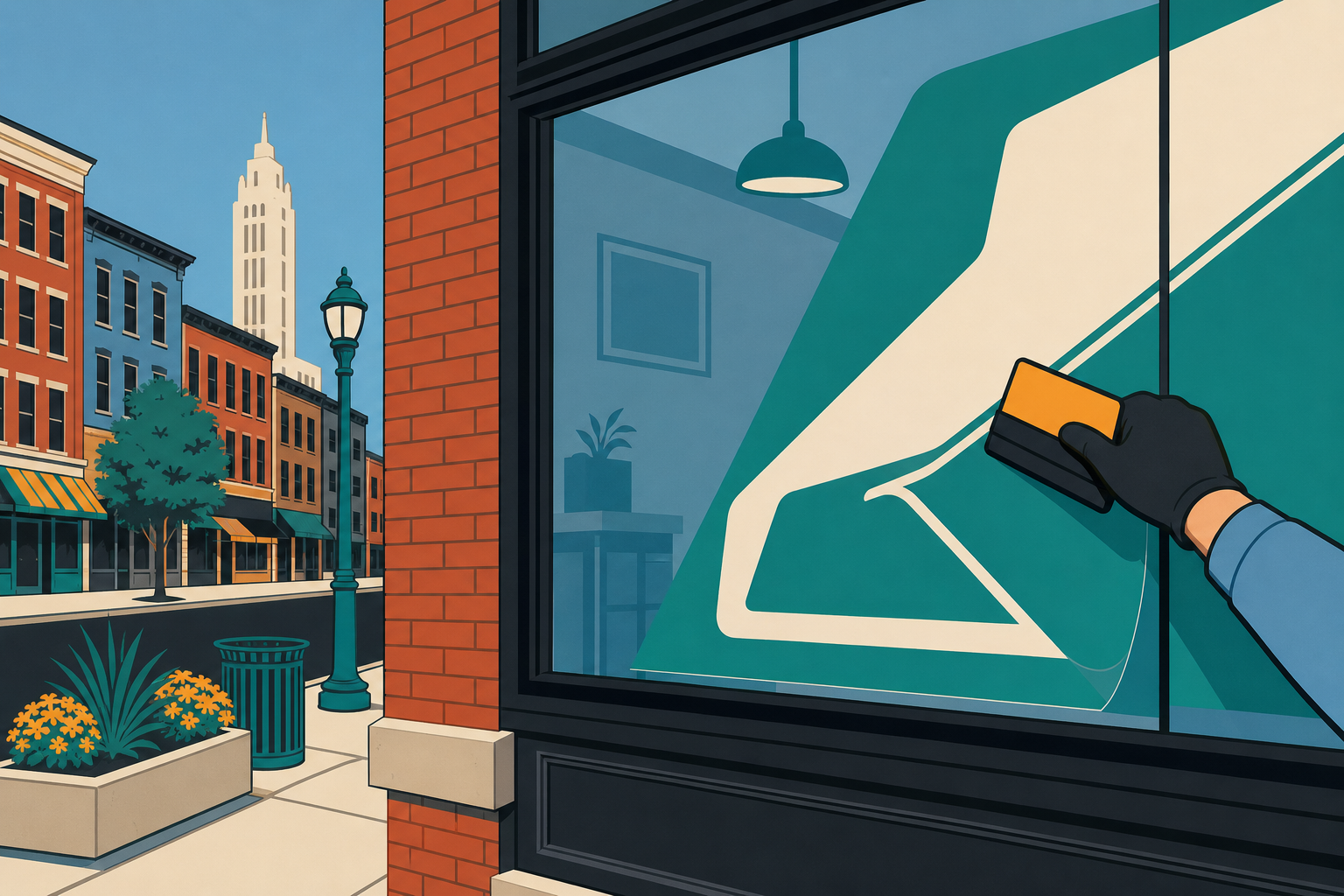
If you run an independent shop inside the loop and you just want the mark in your window, you don't have to deal with any of this. The free window cling program exists so you don't have to touch a file format at all: request one, and in270 brings it by. No vinyl vendor, no cutter settings, no wondering whether your PDF export secretly rasterized the curves.
For everyone else cutting or printing the mark themselves: pull the SVG from the kit before your next job, check the size against the guidelines, and leave the node-reduction tool alone. Or, if you're a shop inside the loop, skip the whole exercise and request a free window cling instead.
Questions people ask
- What's the best file format for cutting the in270 mark on vinyl?
- The SVG straight from the /mark download kit. It's a true vector file built from the same OpenStreetMap path data as the mark itself, so every anchor point is real road geometry, not a trace or a guess. Don't substitute a PDF export, a screenshot, or a PNG run through auto-trace software.
- How small can I cut the in270 mark before the detail disappears?
- The guidelines set a minimum size specifically because road detail like the Sawmill curve and the downtown split gets lost below it. That threshold matters more for cutting than screen display: a blade can't resolve fine curves any better than a monitor can render them. Check /guidelines before sizing down for a small decal.
- Can I clean up or simplify the in270 file before cutting it?
- No. Running the path through node reduction or a 'clean vector' tool changes the actual shape of the loop, including the Grove City hook and the east bulge toward the airport. The geometry is traced from real map data and the license requires it stay that way. Recolor and resize only.
vinyl-cutting · svg-file · grove-city-hook · window-cling · sign-shops
Drawn from the map. Map data from OpenStreetMap contributors. Open Database License.